
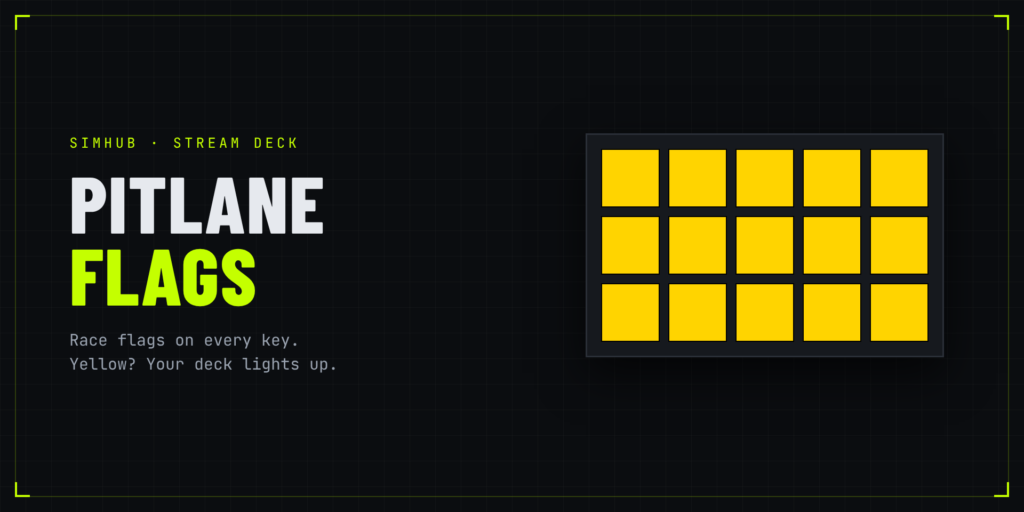
Never miss a flag again. Pitlane Flags turns your Stream Deck into a race flag panel.
HOW IT WORKS
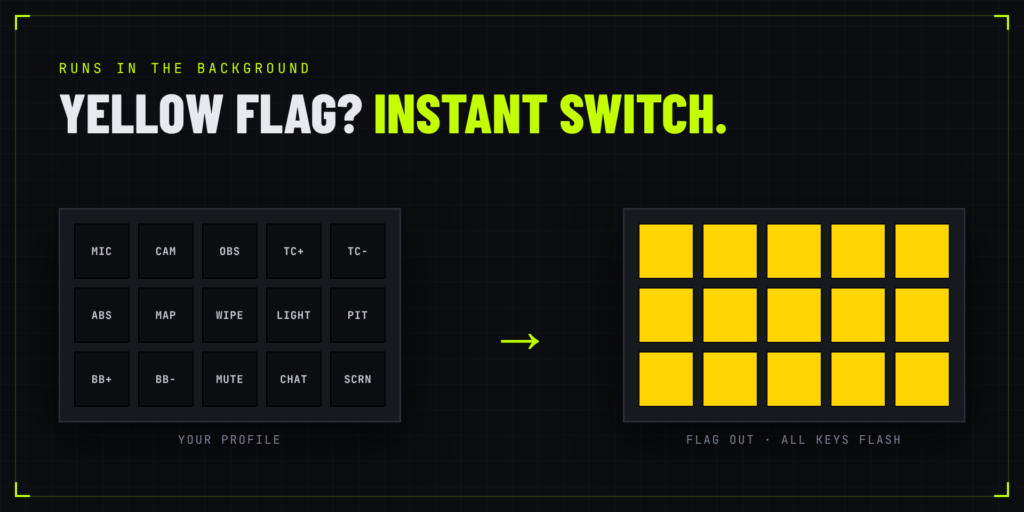
Your normal profile stays as it is. When a flag comes out, the deck switches to the flag profile, every key turns that color and flashes, then it switches back when the flag clears. Press any key to dismiss it early.
FLAGS
Yellow, blue, white, green, black, meatball, checkered, plus a pink pit limiter warning. One solid color each, readable at a glance.
ACTIONS
- Flag Panel – fills a page, all keys flash together
- Flag Status – one key for your normal profile
- Auto-Switch – turn the takeover on or off
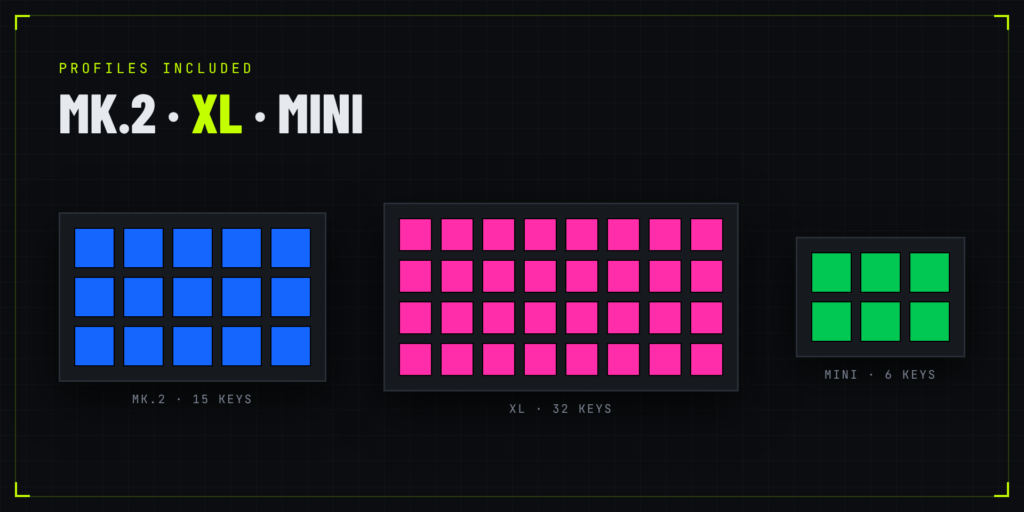
Profiles included for Stream Deck MK.2, XL and Mini.
REQUIRED: SIMHUB + PROPERTY SERVER
Pitlane Flags reads flags from SimHub, so you need:
- SimHub (free, simhubdash.com)
- The free SimHub Property Server plugin. Download PropertyServer.dll from github.com/pre-martin/SimHubPropertyServer/releases, copy it into your SimHub folder, restart SimHub and enable it when asked.
Without it the keys show SIMHUB OFFLINE.
SETUP
Install both, install Pitlane Flags, press a key to run the demo, then race.
Works with any sim SimHub supports: Le Mans Ultimate, iRacing, ACC and more. Which flags you get depends on the sim. Everything stays on your PC.
Download it here